
Friday, 6:40 p.m.
You're on the bus home, a crumpled pharmacy receipt in your coat pocket.
Payday is Monday. You scroll back through a week of texts, trying to prove you stayed late on Tuesday. Was it forty minutes, or an hour?
You'll have to bring it up. Again.
You hate bringing it up.
That's what Nanny Admin is for.
Nanny Admin
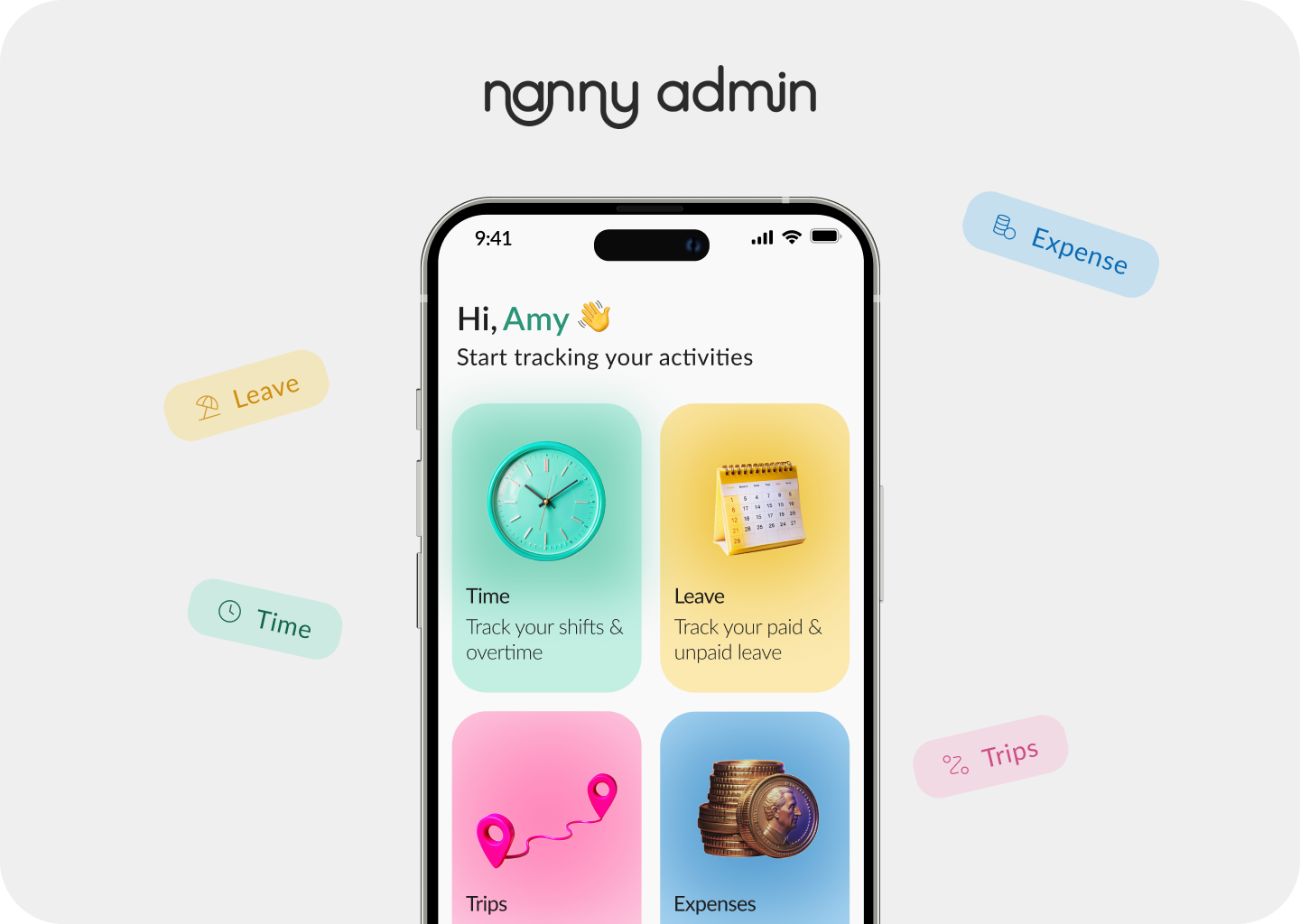
A mobile app for nannies and the families who employ them. It keeps one accurate record of everything that affects pay: shifts and overtime, leave, childcare expenses, and trips with reimbursable mileage.
Everyone keeps their own version.
A nanny's pay is never just a salary. It's the late finish, the day off swapped for a Saturday, the miles to swimming, the snacks bought on the way home. Each one is small. Together they decide whether payday feels fair.
The real cost isn't the arithmetic. It's that the nanny and the family each hold a different record, so every mismatch becomes a conversation about money with someone you see every day, in their own home.
One record, both sides of payday.
Nanny Admin is a single place where a nanny and a family track everything that leads to payday: hours, overtime, paid and unpaid leave, expenses with receipts, and mileage. Both sides see the same entries.
When the pay period ends, the app sums it up. The question from the bus, “what am I actually owed?”, now has one answer. And it's already agreed.
Each decision starts from a moment in the nanny's or parent's week.
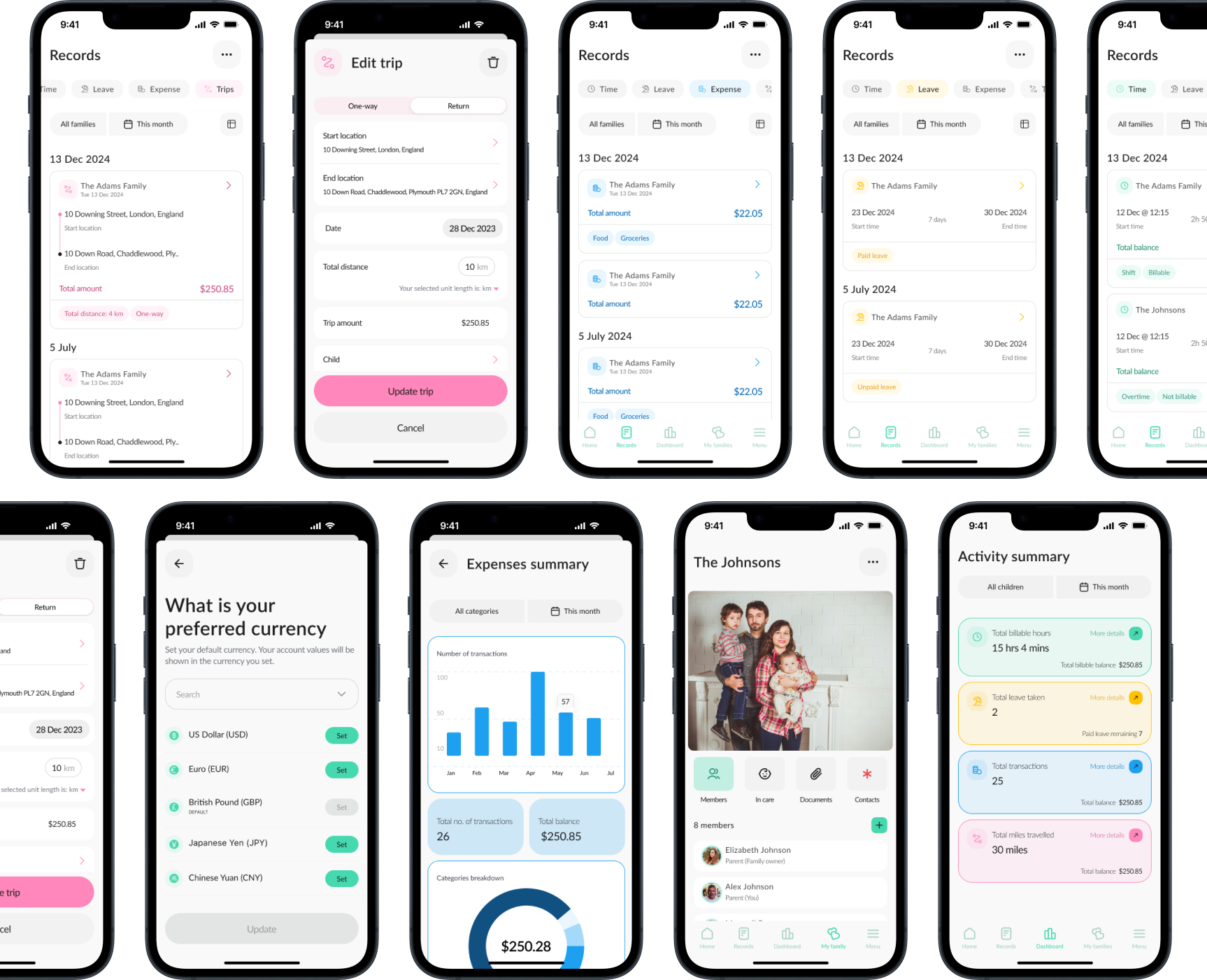
Log a shift in seconds; let the app work out overtime
6:45 p.m., coat half on, a child still talking to you. Nobody does maths here.
A shift entry built around start and end times. Overtime is calculated from the agreed rate, not typed in.
The forty-minutes-or-an-hour question only exists because the time wasn't written down when it happened. A quick entry at the door removes the guess; automatic overtime removes the second argument.
One shared record instead of two private ones
Monday morning. The nanny's notebook says one thing; the parent's spreadsheet says another.
Nannies and families view the same entries for the same family. Each logged item is visible to both sides as it's added.
“You'll have to bring it up” disappears. The conversation happens in the record, not in the kitchen.
Works alone first; invite the family later
A nanny wants to keep better records, but her employer won't install another app.
A nanny can create the family, add the children and track everything solo. Later she can invite the parents, who then see everything already logged. One nanny can also track several families.
A shared tool that needs both people on day one often never starts. Letting one side begin alone means the record exists before anyone has to agree to it.
Mileage from two places, with a manual override
Swimming lessons across town. How many miles was that? Nobody knows, so everyone rounds.
Enter where the trip started and ended; the app calculates distance and mileage owed. If the route was different, the nanny can adjust it.
Calculation gives both sides a neutral number. The override admits real life: roadworks, a detour to collect a sibling.
Pay your way, then hand payroll one summary
Sunday night, payroll cut-off tomorrow, and that receipt still in a coat pocket.
Support for both fixed salary with tracked extras and hourly care. Receipts are photographed and attached as expenses happen, and each period is summarised into a report the family can send to payroll.
Nanny Admin doesn't try to replace payroll companies. It does the part they can't: collecting the week's truth.
Where it is now
What I learned
Making records belong to the family, not the individual, did more for trust than any badge or copy line.
A shared app that only works once both sides join rarely gets both sides. Letting nannies start alone made the shared experience reachable.
One form pattern and one colour per record type meant users learned the app once.
What I'd do next
Friday, 6:40 p.m.
You're on the bus home.
The receipt went in on Wednesday. The late Tuesday was logged at the door, and your family saw it before you left.
Payday is Monday. There's nothing to bring up.